Everything a software team does — run by agents
Exova plans, builds, and verifies complete applications through a structured organization of AI agents. Here's exactly what ships today.
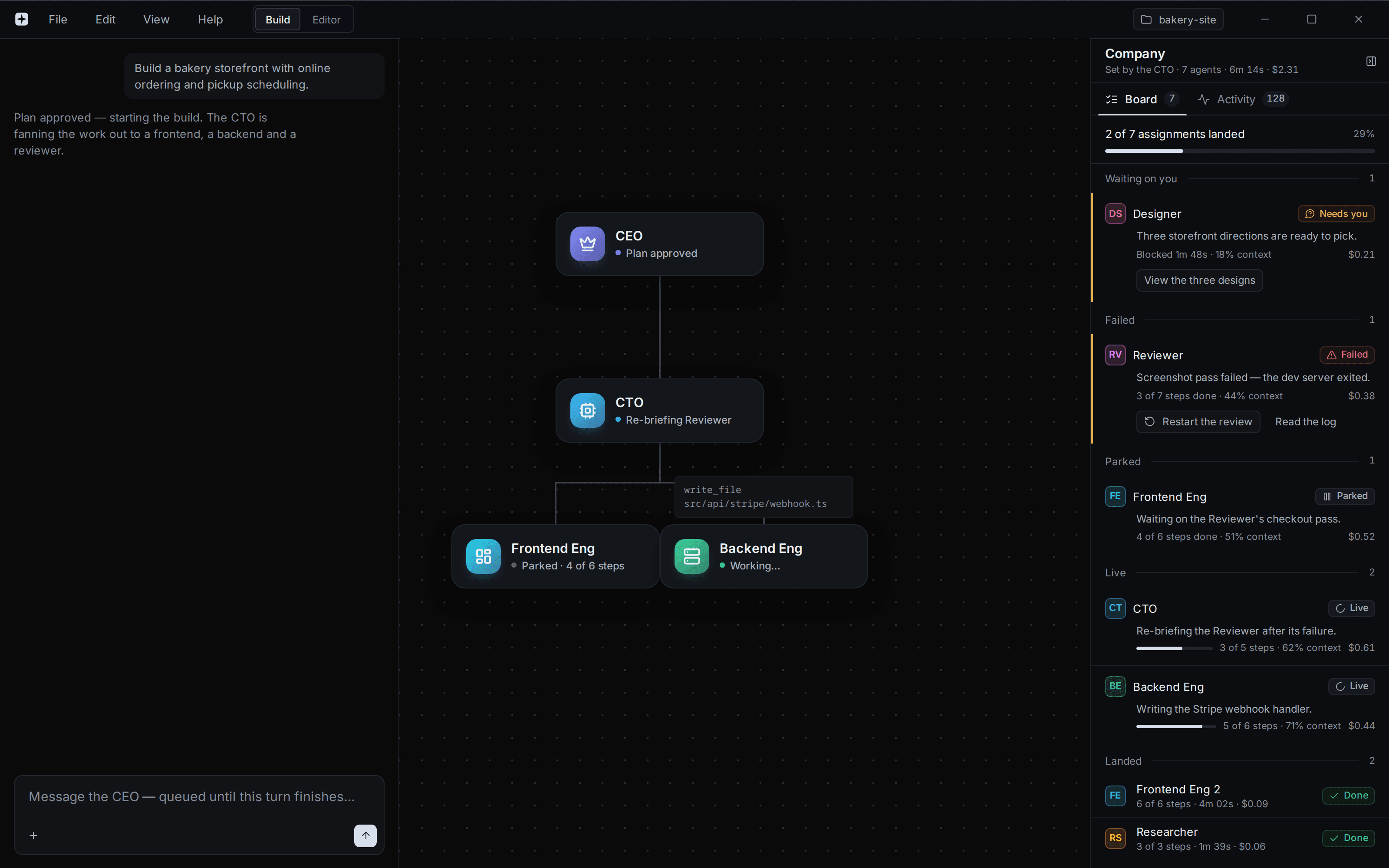
A multi-role org of agents, not a single model
Exova runs a real software organization. An AI CEO interprets your goal, writes a plan, and delegates to specialist agents — frontend, backend, database, review — who work in parallel and coordinate across a shared codebase.
- AI CEO plans the work and delegates to the right roles
- Specialist agents own frontend, backend, and database slices
- Agents coordinate on shared contracts, names, and file ownership
- You approve the plan before any code is written
A team that checks and fixes its own work
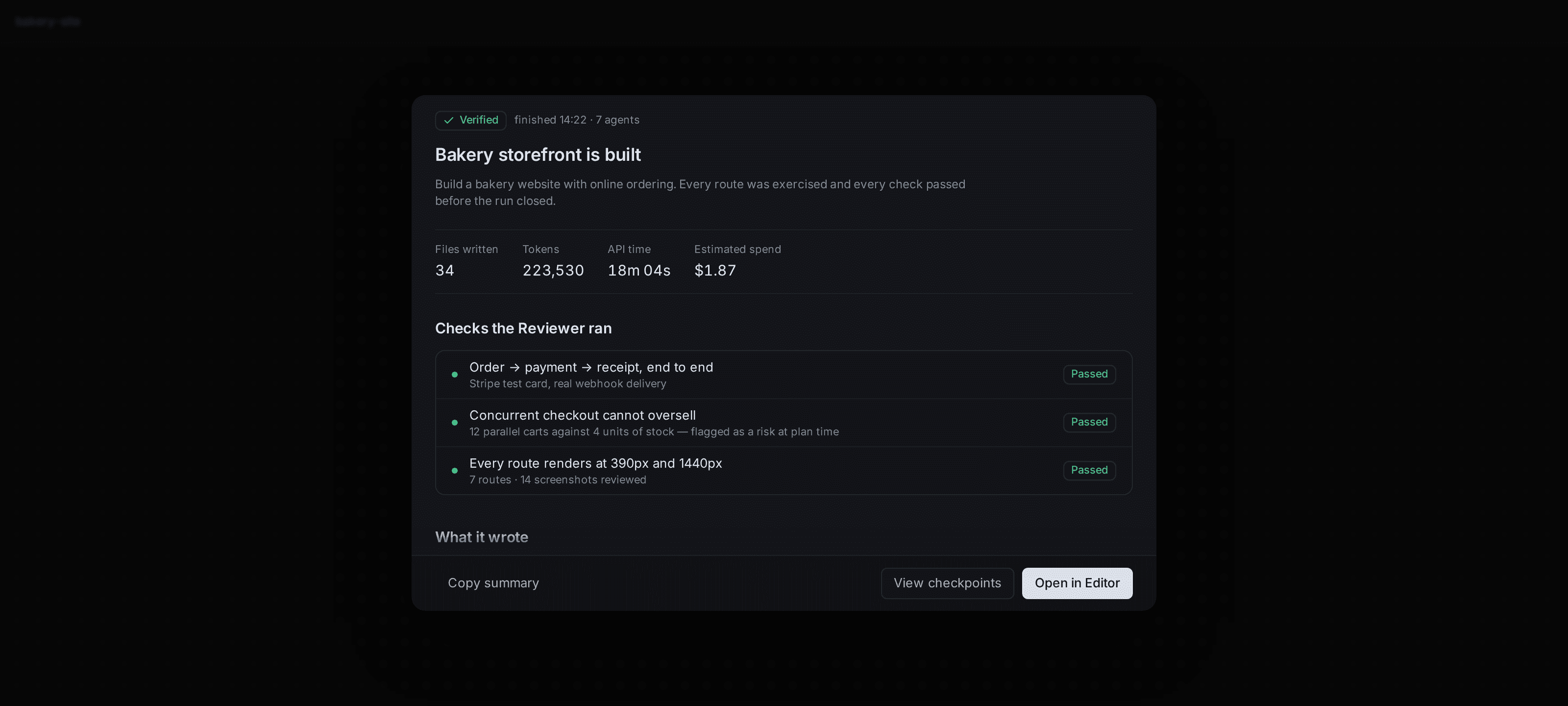
Generation isn't the finish line. A Reviewer inspects what the agents produce and a Debugger investigates failures and ships real fixes — so the output actually compiles, typechecks, and runs before it reaches you.
- Reviewer audits generated code against the plan
- Debugger diagnoses build, type, and dependency failures
- Self-verifying loop repeats until the build is green
- You receive working software, not a first draft
Full-stack, across the frameworks you use
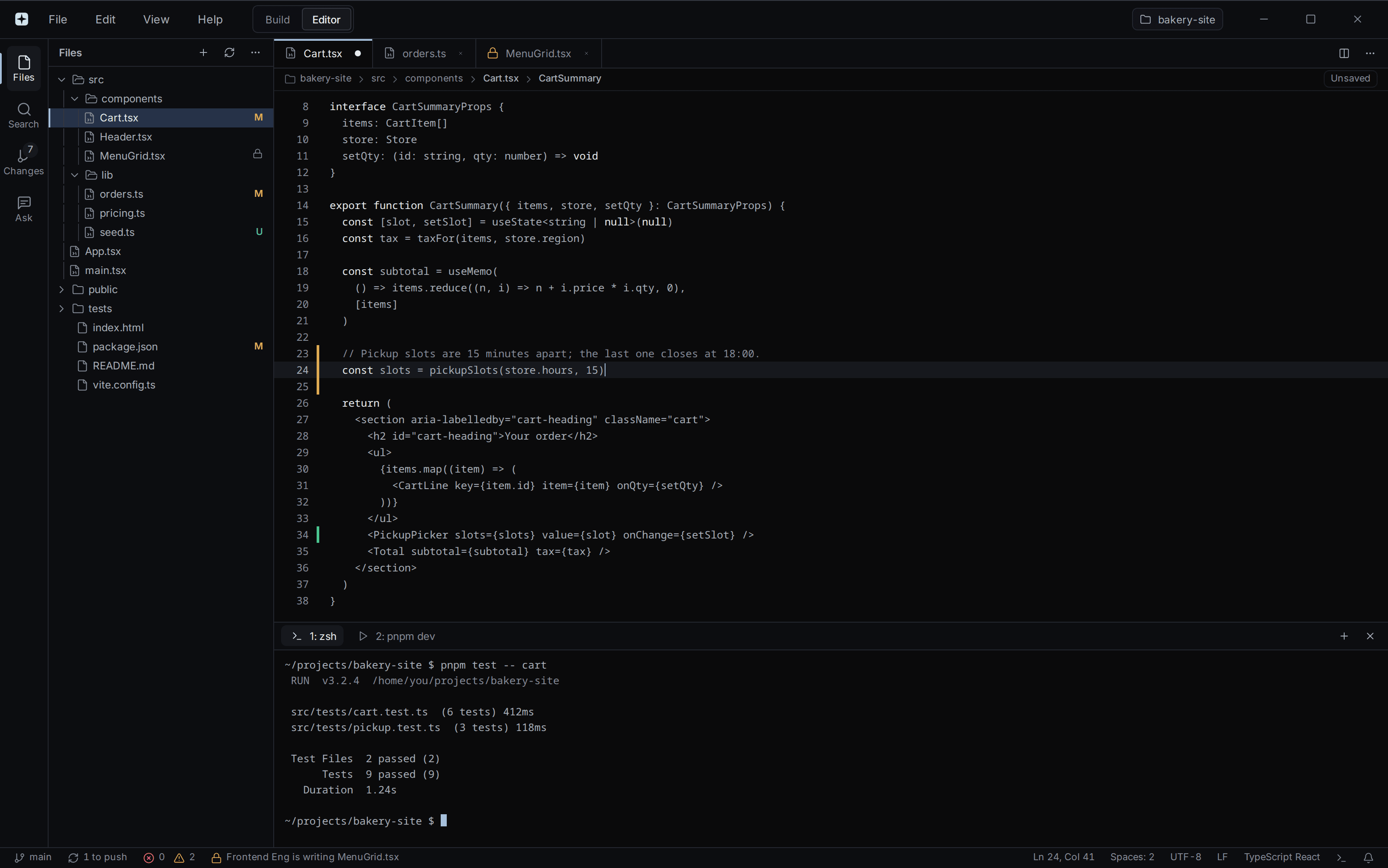
Exova generates complete applications — UI, APIs, and data layer — across the modern stack. It scaffolds with official tooling, wires the pieces together, and writes real, runnable code instead of isolated snippets.
- React, Next.js, Vue, Svelte, and more on the frontend
- APIs, server routes, and database schemas on the backend
- Official scaffolders and current framework versions
- Cohesive projects, wired end to end
A managed gateway with zero setup
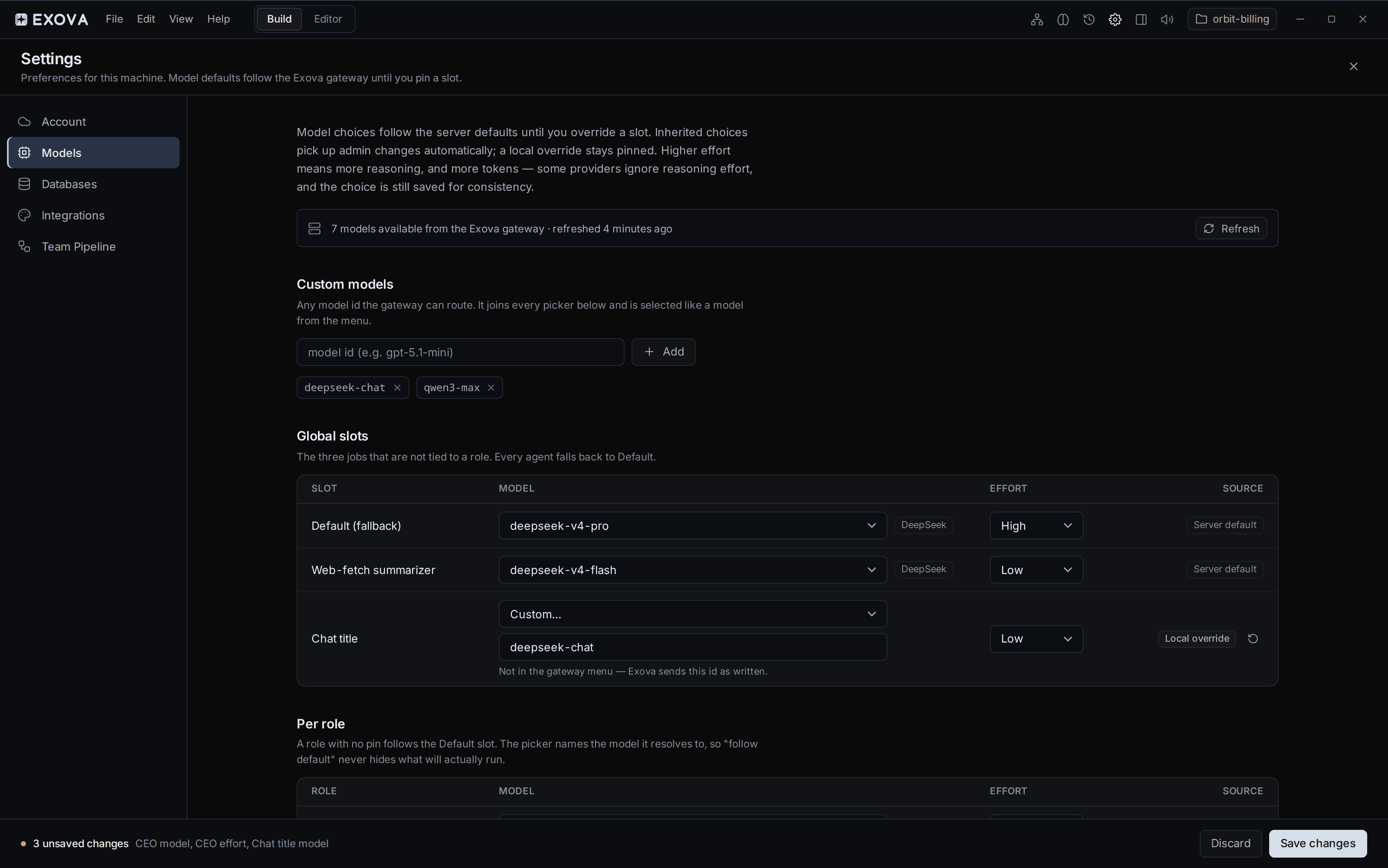
Every generation runs through Exova's managed model gateway — no API keys, no provider accounts, no configuration. We route each request to the right model and meter it against your plan, so you just build.
- Zero-config managed gateway on every plan
- Requests routed to the right model automatically
- Usage metered transparently against your plan
- Paid tiers from 10M to 200M managed tokens a month
Watch the work happen, file by file
Follow the build as it unfolds. Chat with the org to steer direction, browse every file the agents create or change, and track the plan's progress in real time — full transparency into what's being built and why.
- Live plan progress as steps complete
- Chat directly with the org to adjust course
- File explorer over everything the agents touch
- Clear status for each agent and task
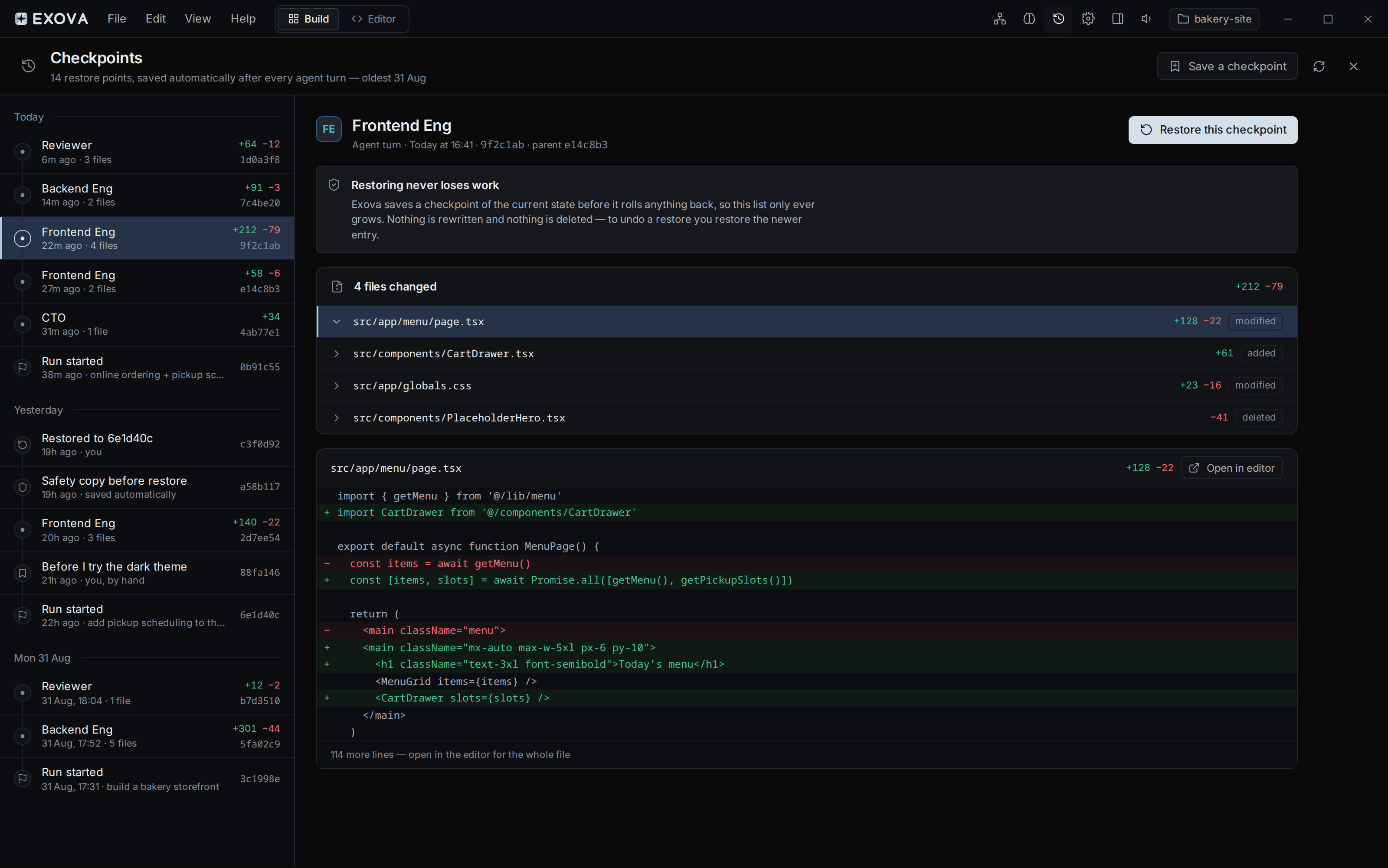
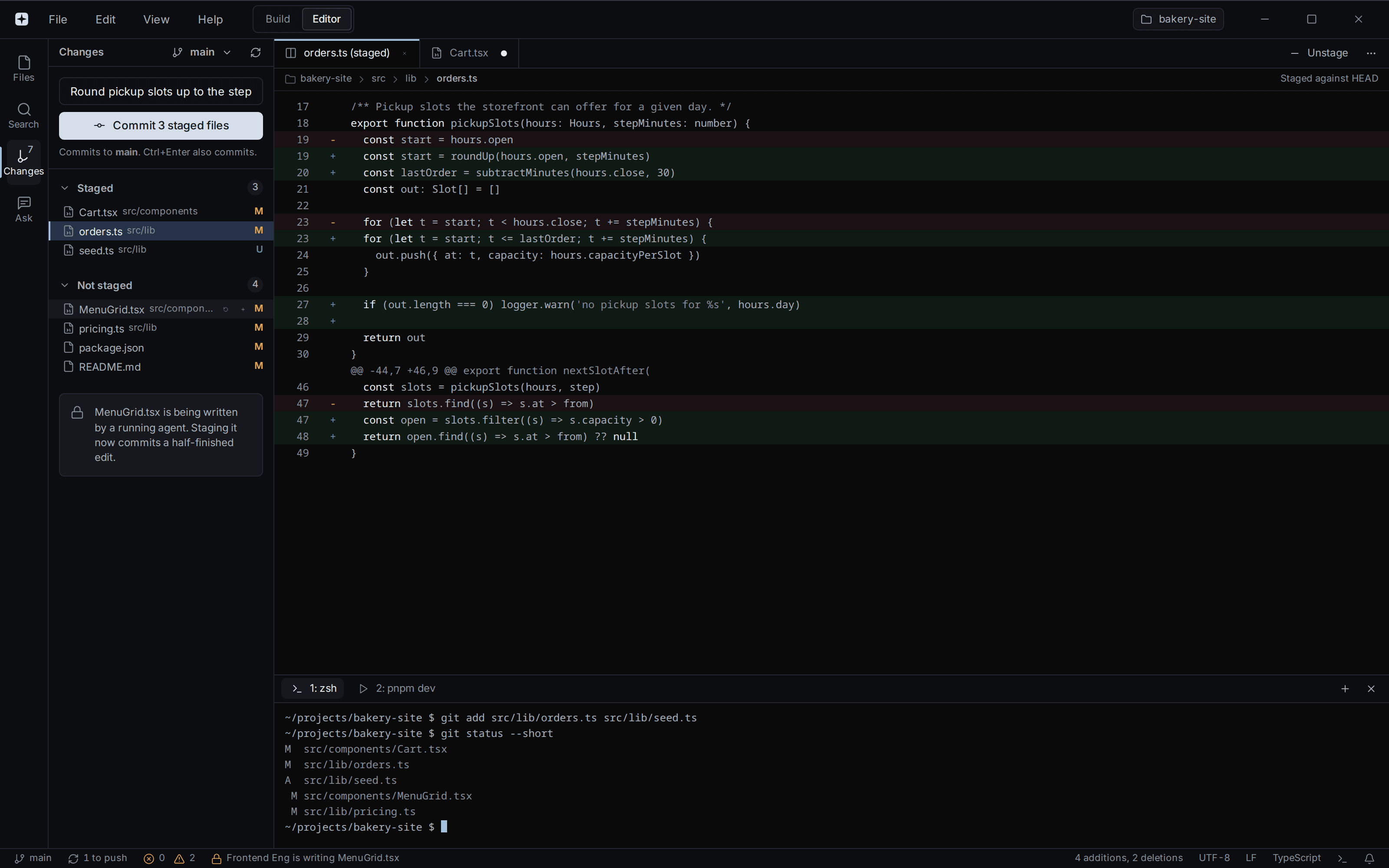
Push straight to Git when it's ready
When you're happy with the result, push the project to your Git remote and take it anywhere. Exova produces a real repository you fully own — no lock-in, no proprietary runtime.
- Push generated projects to your Git remote
- A real, portable codebase you own outright
- Take it to any host or pipeline you like
- No proprietary runtime, no lock-in
See it build something real
Download Exova and hand the org your first idea.